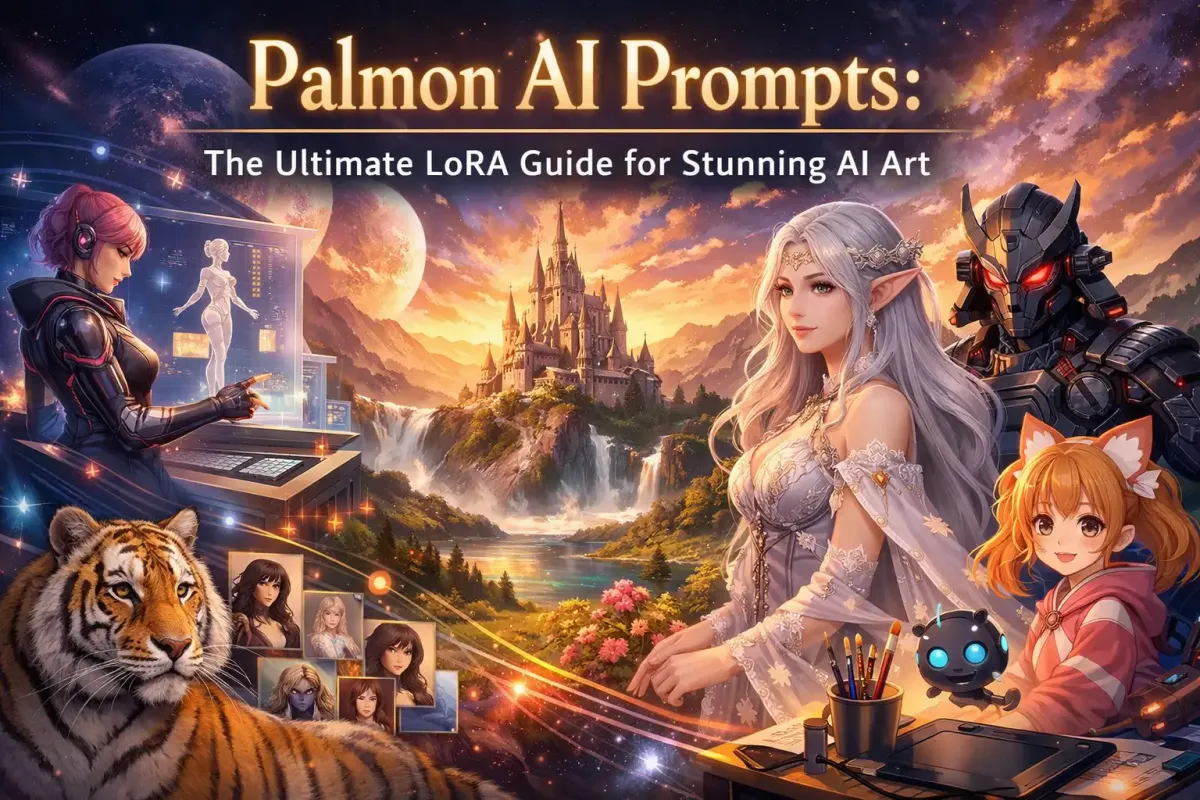
Palmon AI Prompts: The Ultimate LoRA Guide for Stunning AI Art

Most AI-generated images look the same. You write a prompt, hit generate, and get something decent — but generic. The colors feel flat, the style feels borrowed, and the output could have come from anyone using the same tool.
LoRA models are what separate forgettable AI art from jaw-dropping results.
If you've been using Palmon AI to generate images and felt like you're leaving quality on the table, this guide is for you. You'll learn exactly what LoRAs are, how to write prompts that unlock their full power, how to stack multiple LoRAs without breaking your output, and walk away with 30+ ready-to-use prompt templates across every major art style.
No fluff. Let's get into it.
What Is a LoRA? (And Why It Changes Everything)
LoRA stands for Low-Rank Adaptation. It's a fine-tuning technique originally developed by researchers at Microsoft in 2021 for large language models — and it was quickly adopted by the AI image generation community because of one remarkable property: it lets you teach an AI model entirely new concepts without retraining the whole thing.
Here's the analogy that clicks for most people: think of your base AI model (Stable Diffusion, FLUX, or whatever checkpoint you're using) as a human brain. It knows millions of concepts — "dog," "sunset," "watercolor painting," "cyberpunk city." But it doesn't know your specific character, your art style, or that niche aesthetic you've been chasing.
A LoRA is a small memory implant you add to that brain. It injects targeted knowledge — a specific face, a distinct visual style, a product design — without overwriting anything else.
The Technical Part (Simplified)
Standard AI models store knowledge in large weight matrices. Retraining all of them from scratch requires thousands of GPU hours and costs tens of thousands of dollars.
LoRA doesn't do that. Instead, it injects a set of small, mathematically compact matrices into specific layers of the model — typically the cross-attention layers, where image and prompt meaning intersect. These "low-rank" matrices are much smaller than the full model but capture the essential patterns of whatever concept you're teaching.
The result: a LoRA file is typically 50MB to 300MB, compared to a base checkpoint that runs 2GB to 24GB. That's 10 to 100 times smaller — but the impact on output quality can be enormous.
Why This Matters for Your Art
Without LoRA, you're limited to what your base model already knows. With LoRA:
- You can generate a specific character consistently across dozens of images
- You can lock in a particular art style — watercolor, ukiyo-e, brutalist illustration — with precision
- You can simulate specific camera and photography techniques
- You can stack multiple LoRAs together for compound effects
Palmon AI gives you access to a curated library of LoRA models you can apply directly in the browser — no downloads, no GPU setup, no technical configuration. You pick your LoRA, write your prompt (with the right trigger words), and generate.
The rest of this guide teaches you how to do that exceptionally well.
How LoRA Works Inside Palmon AI
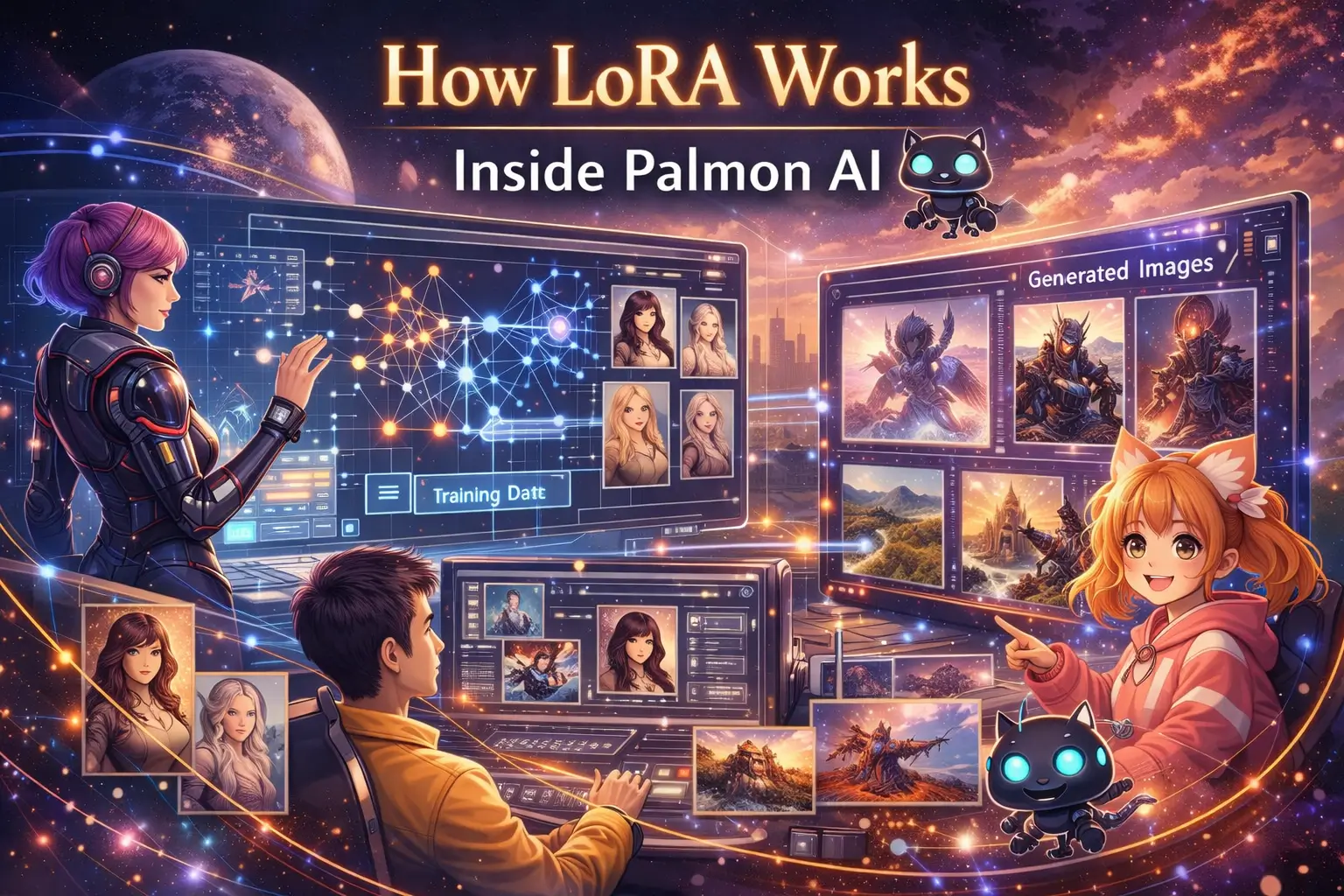
When you generate an image on Palmon AI, you're working with a base model (a checkpoint like FLUX or SDXL) as your foundation. LoRAs act as modifiers that sit on top of the base model and steer output in a specific direction.
Here's what the workflow looks like in practice:
- Select your base model — Palmon AI supports multiple base models. For photorealism, FLUX-based models are the current gold standard. For anime and stylized art, SDXL and Pony-based checkpoints are popular choices.
- Choose your LoRA(s) — Browse Palmon's LoRA library by style, subject, or effect. You can apply one LoRA or stack several.
- Set the LoRA weight — This controls how strongly the LoRA influences your output. We'll cover the right settings in detail later, but the general starting point is 0.7.
- Write your prompt — including the trigger word — Every LoRA has one or more specific words or phrases that "activate" it. Without these, the LoRA may barely register. With them, it snaps into focus.
- Generate and iterate — Adjust weight, swap LoRAs, and refine your prompt until the output matches your vision.
The biggest mistake beginners make: writing a great prompt but forgetting the trigger word. The second biggest mistake: setting the weight too high and getting a distorted, oversaturated result. Both are fixable — and we'll cover both in full.
Types of LoRA Models You'll Encounter
Not all LoRAs do the same thing. Understanding the categories helps you choose the right one for your creative goal.
1. Character LoRAs
These train the model to recognize and consistently reproduce a specific character — facial features, typical outfit, body proportions, hair, and mannerisms. Character LoRAs are the most popular category because they solve AI art's most persistent problem: generating the same character reliably across multiple images.
Best for: webcomics, character sheets, storytelling, brand mascots, avatar creation
Example trigger words: rei_ayanami_lora, my_character_v2, brand_mascot_v1
2. Style LoRAs
Style LoRAs teach the model a distinct visual aesthetic — the gestural marks of impressionism, the clean lines of mid-century illustration, the gritty textures of noir photography. They don't change what you're generating, they change how it looks.
Best for: consistent brand aesthetics, artistic exploration, recreating a specific visual era or medium
Example trigger words: ukiyo_e_style, bauhaus_design, 1970s_film_grain
3. Concept LoRAs
These encode specific objects, settings, or visual concepts that the base model handles poorly or inconsistently — a particular car model, a niche architecture style, a specific type of clothing.
Best for: product visualization, architectural rendering, niche subject matter
4. Pose and Anatomy LoRAs
These correct some of AI's persistent weaknesses: hand anatomy, body proportions, and natural-looking poses. They don't generate specific characters — they just make human figures more anatomically plausible.
Best for: stacking with other LoRAs to improve baseline quality of any human figure
5. Lighting and Photography LoRAs
These simulate specific photographic techniques — studio lighting, golden hour, dramatic rim light, film grain, specific camera lenses. Think of them as digital cinematography tools.
Best for: photorealistic portraiture, product photography, cinematic scene composition
6. Effect LoRAs
These add specific visual effects: bokeh, chromatic aberration, halftone, glitch art, double exposure. They tend to be lightweight and are excellent for stacking.
The Anatomy of a Great LoRA Prompt
Writing a prompt for LoRA-powered generation is different from writing a plain text-to-image prompt. You need to understand how each component interacts with your LoRA to get the result you want.
Here's the structure of a well-built LoRA prompt:
[Subject] + [LoRA trigger word] + [Style/Medium] + [Lighting] + [Composition] + [Quality modifiers] + [Negative prompt]
Let's break each component down.
Subject
Be specific. "A woman" gives the model latitude to do whatever it wants. "A young woman with sharp cheekbones and dark braided hair, wearing a cream linen jacket" constrains the output toward what you actually want.
If you're using a character LoRA, your subject description reinforces the LoRA's learned concepts. If they conflict (your character LoRA expects red hair but you describe black hair), the model will try to average them — often producing a muddy compromise. Be consistent.
LoRA Trigger Word
This is the most critical piece. Every LoRA is trained with specific trigger words that tell the model when to apply the learned concept. Without the trigger word, the LoRA may have little or no effect.
Trigger words are listed on each LoRA's detail page in Palmon AI. Common formats include:
- A short descriptor:
ethereal_watercolor - A character name:
palmonchar - An abbreviated tag:
flx_real_v2
Always include your trigger word — and place it early in the prompt, within the first clause. The model processes prompt tokens sequentially; earlier tokens carry more weight.
Style and Medium
Tell the model what type of image this should be:
oil painting on canvas— rich texture, visible brushworkdigital illustration, flat design— clean edges, limited palette35mm film photography— grain, natural color castwatercolor wash— soft edges, translucent layers3D render, octane render— precise lighting, surface materials
Lighting
Lighting is one of the most overlooked prompt elements — and one of the highest-leverage ones. The same scene described with different lighting becomes a completely different image:
golden hour, warm side lighting— cinematic, romanticovercast soft light— even, editorial, slightly melancholicneon rim light, cyberpunk— dramatic, high-contrast, vividstudio lighting, three-point light setup— clean, commercial, professionalmoonlight, high contrast— moody, noir
Composition and Camera
These modifiers tell the model how to frame the shot:
close-up portrait, shallow depth of fieldwide establishing shot, rule of thirdsbird's eye viewDutch angle, low camera positionmacro photography, extreme close-up
Quality Modifiers
For photorealistic styles: detailed skin texture, visible pores, 8K resolution, sharp focus, photorealistic
For illustrative styles: masterpiece, highly detailed, professional illustration, clean linework
For cinematic styles: cinematic composition, film grain, anamorphic lens, shallow focus
Negative Prompt
Your negative prompt tells the model what to avoid. A well-crafted negative prompt reduces anatomical errors, removes unwanted artifacts, and tightens the aesthetic.
Universal negative prompt (paste this as your starting point):
blurry, low quality, watermark, text, signature, deformed hands, extra fingers,
bad anatomy, distorted face, overexposed, underexposed, grainy, pixelated,
duplicate, cropped awkwardly, bad proportions, ugly
Trigger Words: The Key Most Beginners Miss
Trigger words are the activation codes for LoRA models. Miss them, and the LoRA either doesn't fire or fires at a fraction of its capacity. Get them right, and your results snap into focus.
Finding Trigger Words on Palmon AI
Every LoRA in Palmon's library has a detail page that lists:
- The required trigger word(s)
- Recommended weight range
- Compatible base models
- Sample images showing the LoRA at different weights
Read the detail page before generating. Creators put their trigger words there specifically because the LoRA won't perform without them.
Types of Trigger Words
Single-word triggers — The simplest. One word activates the concept. Example: ethereal for a soft, otherworldly lighting LoRA
Phrase triggers — Multiple words that must appear together. Example: in the style of bauhaus_flat — the exact phrase the LoRA was trained on
Token triggers — Unusual or coined strings that have no other meaning in the model's vocabulary, making them unambiguous activation signals. Example: flx_real_portrait_v3 — clearly a LoRA token, not a natural language word
How to Place Trigger Words in Your Prompt
Put trigger words in the first half of your prompt. Here's a before/after:
Before (trigger word buried at end — weaker activation):
A young woman standing in a sunlit garden, golden hour, soft focus,
natural skin texture, warm colors, 35mm film, ethereal
After (trigger word placed early — stronger activation):
ethereal, a young woman standing in a sunlit garden, golden hour,
soft focus, natural skin texture, warm colors, 35mm film
Both prompts have the same words. The second one activates the LoRA more consistently because the trigger appears before the model has parsed the rest of the context.
Multiple Trigger Words
Some LoRAs require multiple trigger words. List all of them:
flx_real_v2, detailed skin, a middle-aged man with salt-and-pepper beard,
casual flannel shirt, outdoor lighting, photorealistic
LoRA Weight Settings: Finding the Sweet Spot
LoRA weight (also called strength or scale) controls how strongly the LoRA's influence is applied to your output. It's one of the most important variables in LoRA-powered generation — and the most common source of disappointing results.
The Weight Scale
| Weight | Effect |
|---|---|
| 0.1 – 0.3 | Barely noticeable; subtle texture or style hints |
| 0.4 – 0.6 | Moderate influence; style is clear without overwhelming |
| 0.7 – 0.9 | Strong influence; this is the sweet spot for most LoRAs |
| 1.0 | Full activation; the LoRA creator's intended maximum |
| 1.1 – 1.5 | Over-amplification; can produce artifacts, distortion, or "burned" aesthetics |
Starting Points by LoRA Type
- Style LoRAs: Start at 0.7. If the style feels weak, push to 0.85. If the image looks distorted, pull back to 0.6.
- Character LoRAs: Start at 0.8. Character fidelity usually requires higher weights to maintain facial consistency.
- Lighting/Effect LoRAs: Start at 0.5. These are additive and stack easily with other LoRAs; keep individual weights conservative.
- Anatomy/Pose LoRAs: 0.4–0.6 is usually enough. These LoRAs are corrective — they don't need to dominate.
Reading Your Output
If your image looks too generic (like the LoRA isn't doing anything): increase weight by 0.1–0.15.
If your image looks distorted, has weird textures, or the faces look "melted": decrease weight by 0.1–0.15.
If you're getting good style but the character identity is drifting: increase character LoRA weight; decrease style LoRA weight.
Stacking Multiple LoRAs: Advanced Techniques
Stacking LoRAs — using two or more simultaneously — is where advanced Palmon AI users create outputs that look genuinely unlike anything in the base model's vocabulary. But stacking has rules. Ignore them and you get visual noise.
The Golden Rules of LoRA Stacking
Rule 1: Maximum 3 LoRAs per generation (for most workflows)
More than 3 LoRAs rarely improves output and frequently causes conflicts. Each LoRA is pulling the model toward a different learned concept; too many pulls at once produces an averaged-out muddy result.
Rule 2: Keep combined weight under 2.0
If you're stacking 3 LoRAs, a combined weight of 2.1 (e.g., 0.8 + 0.7 + 0.6) is borderline. A better stack: 0.7 + 0.5 + 0.4 = 1.6. Lower total weight gives each LoRA room to express itself without fighting the others.
Rule 3: Stack complementary LoRAs, not competing ones
Good stack: Character LoRA (0.8) + Lighting LoRA (0.5) + Film Grain Effect LoRA (0.3)
These three work in different "dimensions" — character identity, lighting quality, and texture — without competing over the same visual territory.
Bad stack: Anime Style LoRA (0.7) + Photorealism LoRA (0.7)
These are pulling in opposite aesthetic directions. The model will compromise between them and produce neither convincingly.
Rule 4: Test LoRAs individually before stacking
Before combining LoRAs, generate a test image with each one in isolation. Understand what each LoRA does to your specific subject and prompt. Then combine.
Effective Stacking Combinations
For photorealistic portraiture:
Face Detail LoRA (0.7) + Skin Texture LoRA (0.5) + Studio Lighting LoRA (0.4)
Total weight: 1.6 — well within safe range. Each LoRA handles a different aspect of realism.
For consistent character in dynamic scenes:
Character LoRA (0.85) + Pose/Anatomy LoRA (0.45) + Style Locker LoRA (0.4)
The style locker prevents "style bleed" (where a style prompt distorts character features). The anatomy LoRA catches proportion errors before they appear.
For cinematic landscape:
Lighting LoRA (0.65) + Film Stock LoRA (0.5) + Atmospheric Haze LoRA (0.35)
Total weight: 1.5. Three complementary effects that all push toward cinematic quality.
For stylized illustration:
Art Style LoRA (0.75) + Detail Enhancement LoRA (0.45)
Sometimes two is better than three. A strong style LoRA plus one detail enhancer can be cleaner than adding a third.
30+ Ready-to-Use LoRA Prompt Templates
Copy any of these prompts into Palmon AI. Replace [TRIGGER_WORD] with the specific trigger from your chosen LoRA, and swap bracketed elements to match your creative intent.
Photorealistic Portraits
Natural Light Portrait
[TRIGGER_WORD], a woman in her late 30s with weathered features and warm brown eyes,
soft window light from the left, slight smile, slightly out-of-focus background,
35mm portrait, shallow depth of field, natural skin texture, editorial photography

Negative: heavy makeup, perfect skin, oversaturated, blurry, deformed
Studio Dramatic Portrait
[TRIGGER_WORD], middle-aged man with sharp jawline and silver-streaked hair,
three-point studio lighting, deep shadow on right side of face, crisp focus,
high contrast black and white photography, powerful expression, professional headshot

Negative: soft lighting, color, amateur photography, bad anatomy
Golden Hour Outdoor
[TRIGGER_WORD], young woman with loose auburn hair, standing in an open field,
golden hour backlighting, warm lens flare, slight overexposure on highlights,
lifestyle photography, Kodak Portra 400 film emulation, blurred wildflowers foreground

Negative: flat light, cold tones, sharp background, digital-looking, clean
Fantasy and Concept Art
Dark Fantasy Character
[TRIGGER_WORD], a battle-worn female knight in obsidian armor with ember-orange
accents, standing in the ruins of a cathedral, dramatic volumetric lighting from above,
god rays through broken stained glass, cinematic composition, detailed concept art,
Artstation trending, 8K, dark fantasy aesthetic

Negative: bright colors, cartoonish, low detail, blurry, cheerful
High Fantasy Landscape
[TRIGGER_WORD], vast ancient forest with colossal trees whose canopies disappear
into mist, bioluminescent mushrooms at ground level, soft moonlight filtering through,
a narrow stone path leading into depth, matte painting style, digital oil painting,
epic fantasy aesthetic, horizon fog, hyper-detailed

Negative: modern elements, sharp digital look, flat, low resolution
Arcane Spellcaster
[TRIGGER_WORD], elderly wizard with a constellation of floating sigils orbiting him,
long silver robes, arcane library background, warm candlelight plus cool magical glow,
detailed illustration, character design sheet, fantasy RPG art style

Negative: modern clothing, low detail, bad anatomy, dark without light source
Anime and Manga Styles
Shonen Action
[TRIGGER_WORD], teenage male protagonist mid-jump, wind-blown dark spiky hair,
determined expression, energy crackling around fists, urban rooftop at dusk,
dynamic diagonal composition, vibrant saturated colors, cel-shaded anime style,
Makoto Shinkai background quality

Negative: static pose, muted colors, low energy, poorly drawn, western comic style
Slice of Life
[TRIGGER_WORD], two high school girls sharing earbuds on a school rooftop,
afternoon light, casual uniforms, cherry blossom petals drifting, serene expression,
soft watercolor-adjacent anime coloring, warm pastel palette, gentle bokeh background

Negative: action, fighting, high contrast, aggressive pose, dark atmosphere
Cyberpunk Anime
[TRIGGER_WORD], neon-soaked cyberpunk cityscape, female protagonist with
augmented eye implant, dark alley, rain on asphalt reflecting holographic ads,
long coat with circuit patterns, anime illustration style, moody and atmospheric,
purple and cyan color grading

Negative: daylight, bright colors, fantasy elements, pastoral, low tech
Illustration and Graphic Design
Vintage Travel Poster
[TRIGGER_WORD], art deco travel poster for a fictional mountain resort, bold
geometric shapes, limited color palette of navy, gold, and cream, stylized peaks,
confident typography placement guides, poster art style, 1930s aesthetic,
clean vector-like lines

Negative: photorealistic, complex, many colors, modern design, messy
Botanical Illustration
[TRIGGER_WORD], scientific botanical illustration of a black orchid variety,
precise linework, labeled specimen plate style, watercolor fills with ink outlines,
cream paper texture, Victorian natural history aesthetic, detailed petals,
cross-section inset

Negative: cartoon, abstract, low detail, digital-clean, neon colors
Children's Book
[TRIGGER_WORD], a small hedgehog wearing a postman's hat, delivering letters
in an enchanted forest village, bright autumn morning, other woodland animals
watching from doorways, whimsical gouache illustration, children's picture book style,
warm and inviting, soft rounded shapes

Negative: scary, dark, complex linework, photorealistic, adult content
Architecture and Environments
Brutalist Interior
[TRIGGER_WORD], interior of a brutalist library, exposed raw concrete walls,
dramatic clerestory windows casting geometric shadow patterns, minimal furniture,
a single reading lamp warm against the cool grey, architectural photography,
wide angle lens, depth of field, moody

Negative: colorful, ornate, Victorian, warm tones overall, cluttered
Cozy Cottage
[TRIGGER_WORD], English countryside cottage in late autumn, ivy on stone walls,
smoke from chimney, vegetable garden in foreground, overcast soft light,
watercolor illustration style, storybook quality, warm interior light visible
through small-paned windows

Negative: modern, urban, tropical, bright summer, sci-fi
Futuristic Cityscape
[TRIGGER_WORD], aerial view of a solarpunk megacity in 2150, lush vertical gardens
covering buildings, solar panel arrays blended with architecture, clean monorail,
abundant greenery despite urban density, golden afternoon light, detailed matte painting,
optimistic utopian aesthetic

Negative: dystopian, dark, polluted, gritty, grey, abandoned
Product and Commercial
Minimal Product Shot
[TRIGGER_WORD], premium wireless headphones floating on a white studio background,
soft wraparound lighting, slight reflection on surface below, sharp focus on
ear cup fabric texture, commercial product photography style, clean negative space,
slight depth of field

Negative: cluttered background, model wearing them, dramatic lighting, low quality
Food Photography
[TRIGGER_WORD], overhead flat lay of a rustic sourdough loaf sliced on a linen cloth,
honey drizzle mid-pour, scattered rosemary and sea salt, warm morning light from left,
editorial food photography, Kinfolk magazine aesthetic, natural props,
shallow depth of field

Negative: studio lighting, cold tones, garnishes falling, messy composition
Common LoRA Prompt Mistakes (and How to Fix Them)
Even experienced AI artists make these errors. Here's how to identify and fix the most common ones.
Mistake 1: Forgetting the Trigger Word
Symptom: Output looks like a plain base model generation. The style you chose doesn't show up.
Fix: Go back to the LoRA's detail page. Find the trigger word. Add it to the beginning of your prompt.
Mistake 2: Weight Too High
Symptom: Distorted faces, unnatural textures, "melted" skin, oversaturated colors, artifacting.
Fix: Reduce weight to 0.65–0.75 and regenerate. Keep reducing until artifacts disappear.
Mistake 3: Conflicting Style Instructions
Symptom: The image feels aesthetically confused — half realistic, half cartoon, neither convincingly.
Fix: Choose one aesthetic direction. If your LoRA is anime-style, don't add "photorealistic" to the prompt. If it's a realism LoRA, don't add "cel-shaded illustration."
Mistake 4: Subject Description Conflicts with Character LoRA
Symptom: The character looks partly right but something is off — the hair color changed, the face shape shifted.
Fix: Check the character LoRA's training. If the character has blue hair, don't write "brown hair" in your prompt. Your description should reinforce the LoRA's learned features, not contradict them.
Mistake 5: Stacking Incompatible LoRAs
Symptom: Output is blurry, visually incoherent, or neither LoRA seems to be doing its job.
Fix: Test each LoRA alone first. Identify which one is causing the conflict. Remove it or reduce its weight significantly. Keep combined weight under 2.0.
Mistake 6: Vague Subject Description
Symptom: You have a beautiful style (thanks to the LoRA) applied to a generic, undefined subject.
Fix: Be specific. "A person" becomes "a 40-year-old woman with laugh lines, short silver hair, wearing a paint-stained smock." Specificity gives the LoRA more material to work with and produces more interesting results.
Mistake 7: No Negative Prompt
Symptom: Hands are deformed, backgrounds are cluttered, quality feels inconsistent.
Fix: Always include a negative prompt. Start with the universal negative prompt from earlier in this guide, then add style-specific exclusions.
Training Your Own LoRA on Palmon AI
Pre-made LoRAs cover a lot of ground — but your specific character, your brand mascot, or your personal art style won't be in any library. For that, you need to train your own.
Palmon AI's LoRA training tools let you create a custom model without any local hardware. Here's what the process looks like:
Step 1: Prepare Your Training Images
Image count and quality matter more than sheer volume. Research from MIT's CSAIL suggests that 15–20 high-quality images can achieve 85–95% feature retention for a character LoRA — you don't need hundreds.
For character LoRAs:
- 15–25 images
- Varied angles (front, three-quarter, profile, slight upward, slight downward)
- Consistent subject, varied lighting and background
- High resolution (at least 1024×1024 after cropping)
For style LoRAs:
- 20–50 representative examples of the style
- Varied subjects within the style (different scenes, subjects, compositions)
- Avoid cherry-picking only your best work — variety helps generalization
For concept/product LoRAs:
- 10–20 photos from varied angles with clean backgrounds preferred
- Include different lighting conditions
Step 2: Write Caption Files
Each training image needs a text description. These captions teach the model what visual elements map to which words. Palmon AI can auto-caption your images, but reviewing and refining captions manually significantly improves LoRA quality.
Good caption format:
[trigger_word], [subject description], [relevant visual details],
[background/environment], [style notes if applicable]
Step 3: Configure Training Settings
For most use cases on Palmon AI's cloud training:
- Steps: 1,000–2,000 for style LoRAs; 1,500–3,000 for character LoRAs
- Learning rate: 1e-4 for most use cases; go lower (5e-5) for character LoRAs where you want fine detail
- Resolution: 1024×1024 for FLUX-based training; 768×768 for SDXL
Step 4: Evaluate and Iterate
After training, test your LoRA with several different prompts — including prompts that do not use the trigger word. You want to see that the LoRA is applying its concept only when triggered, not bleeding into every generation.
Signs of a successful LoRA:
- With trigger word: consistent, recognizable output
- Without trigger word: minimal visible difference from base model behavior
- Varied prompts with trigger word: subject adapts naturally to different scenes and styles
Signs of an over-trained LoRA:
- Output looks identical regardless of prompt changes
- The trigger word's concept appears even without using it
- Loss of fine detail (overfit)
Frequently Asked Questions (FAQs)
What's the difference between a LoRA and a checkpoint?
A checkpoint (also called a base model) is the full AI model — it knows everything and generates the base quality of your images. It's a large file, typically 2–24GB. A LoRA is a small modifier file (50–300MB) that adjusts the checkpoint's behavior for a specific concept. You need both: a checkpoint to run generation, and a LoRA to steer it toward your specific creative intent.
Can I use a LoRA from Civitai on Palmon AI?
This depends on model compatibility. LoRAs are architecture-specific — a FLUX LoRA only works on FLUX base models, an SDXL LoRA only works on SDXL. Check which base models Palmon AI supports and whether the LoRA you want to import is compatible. Palmon's support documentation covers the import process for external LoRA files.
How many images do I need to train a LoRA?
For character LoRAs: 15–25 high-quality images is the professional standard. You can start with as few as 10, but consistency will suffer. For style LoRAs: 20–50 examples. For product/concept LoRAs: 10–20 well-lit photos from different angles.
Why does my character look different every time even with a character LoRA?
Several possible causes: your LoRA weight might be too low (increase to 0.85–0.9), your prompt might be contradicting the character's trained features, or the LoRA itself may be undertrained. Also check that you're using the correct trigger word — missing it is the most common cause of inconsistent character generation.
Can I stack LoRAs with different base model compatibility?
No. All LoRAs in a stack must be compatible with the same base model. A FLUX LoRA and an SDXL LoRA cannot be used simultaneously. Palmon AI's interface will flag incompatible combinations before you generate.
What does a style locker LoRA do?
A style locker LoRA preserves a specific aesthetic while you change other elements of your prompt. It prevents "style bleed" — the tendency for strong style words (like "oil painting" or "watercolor") to distort a character's facial geometry as the model tries to apply the style. By locking the aesthetic through a LoRA instead of a prompt keyword, you give your character LoRA room to maintain identity without competition.
What's the best LoRA weight to start with?
0.7 is the universal starting point. From there: if the LoRA's effect isn't showing, increase by 0.1. If output looks distorted or artifacts appear, decrease by 0.1. Most LoRAs perform best in the 0.65–0.85 range.
What's Next
You now have everything you need to generate exceptional AI art using LoRA prompts on Palmon AI — from understanding what LoRAs do at a technical level, to writing prompts with properly placed trigger words, dialing in weights, stacking complementary models, and training your own custom LoRAs.
The gap between generic AI art and genuinely stunning output almost always comes down to LoRA use. The prompts and techniques in this guide work. Use them as starting points, experiment, and build your own prompt library as you discover what works for your specific creative vision.
Try Palmon AI free and start generating with LoRA models today — no GPU required, no setup, no downloads.
Last updated: April 2026. Palmon AI regularly updates its LoRA library and training tools. Check the platform's release notes for the latest additions.