The Ultimate List of AI Prompts for Designing Stunning Graphics

Introduction: The Power of AI in Graphic Design
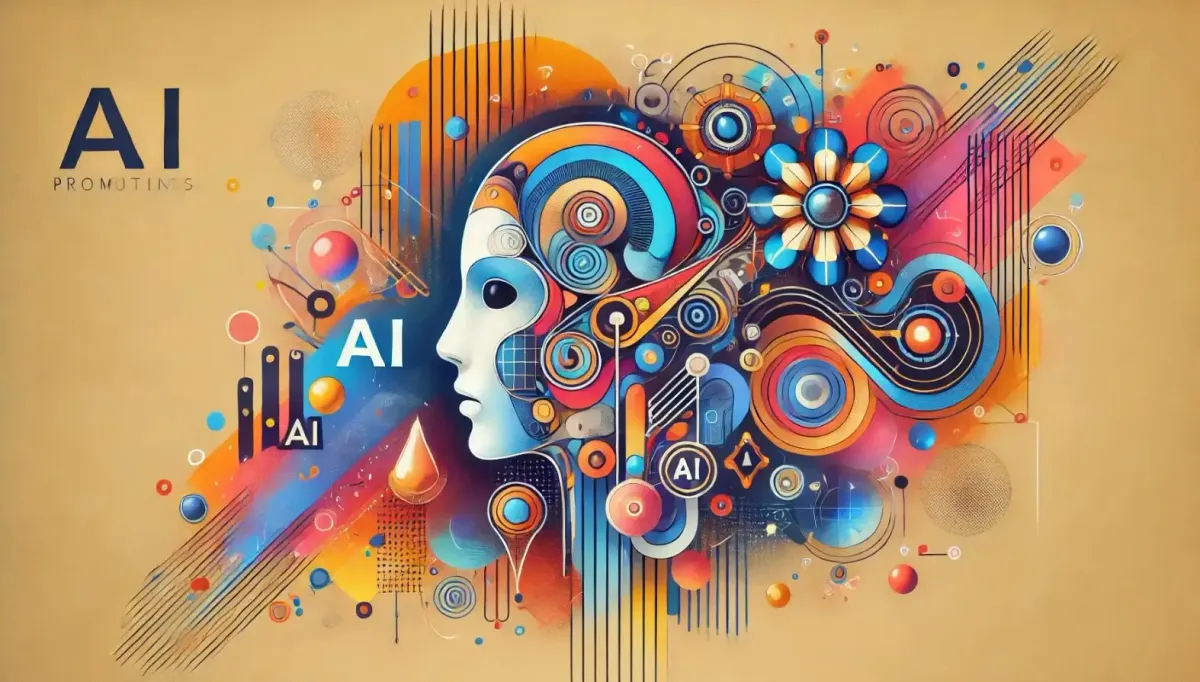
In today’s world, where visuals rule the internet, AI prompts for designing stunning graphics have become every designer’s secret weapon. Whether you’re crafting an ad banner, a logo, or a YouTube thumbnail, AI-powered tools can turn your creative sparks into professional visuals in seconds.
At YROM.com, we’ve explored hundreds of AI tools and prompt frameworks. This article compiles the ultimate list of prompts and strategies that empower both beginners and professionals to create breathtaking visuals using the magic of Artificial Intelligence.
Imagine typing a few descriptive words and watching an AI model instantly paint your vision — realistic textures, perfect lighting, balanced colors, and artistic styles that used to take hours to design. That’s the future we’re living in.
Let’s dive deep into how to master this art of communication with machines — and unlock your creative superpower.
What Are AI Prompts and Why They Matter
A prompt is a textual command or description you give an AI model to generate an image, artwork, or visual output. Think of it as your creative briefing for the AI — the clearer, richer, and more detailed it is, the better the result.
AI prompts bridge imagination and computation. They turn abstract thoughts into tangible visuals. From “a futuristic office logo with neon glow” to “vintage poster of a jazz concert,” the right prompt dictates tone, color, and emotion.
For designers, this means faster prototyping, endless experimentation, and freedom from technical barriers. You don’t need to be a Photoshop expert anymore — you just need to master prompt language.
How AI Tools Transform Graphic Design Workflow
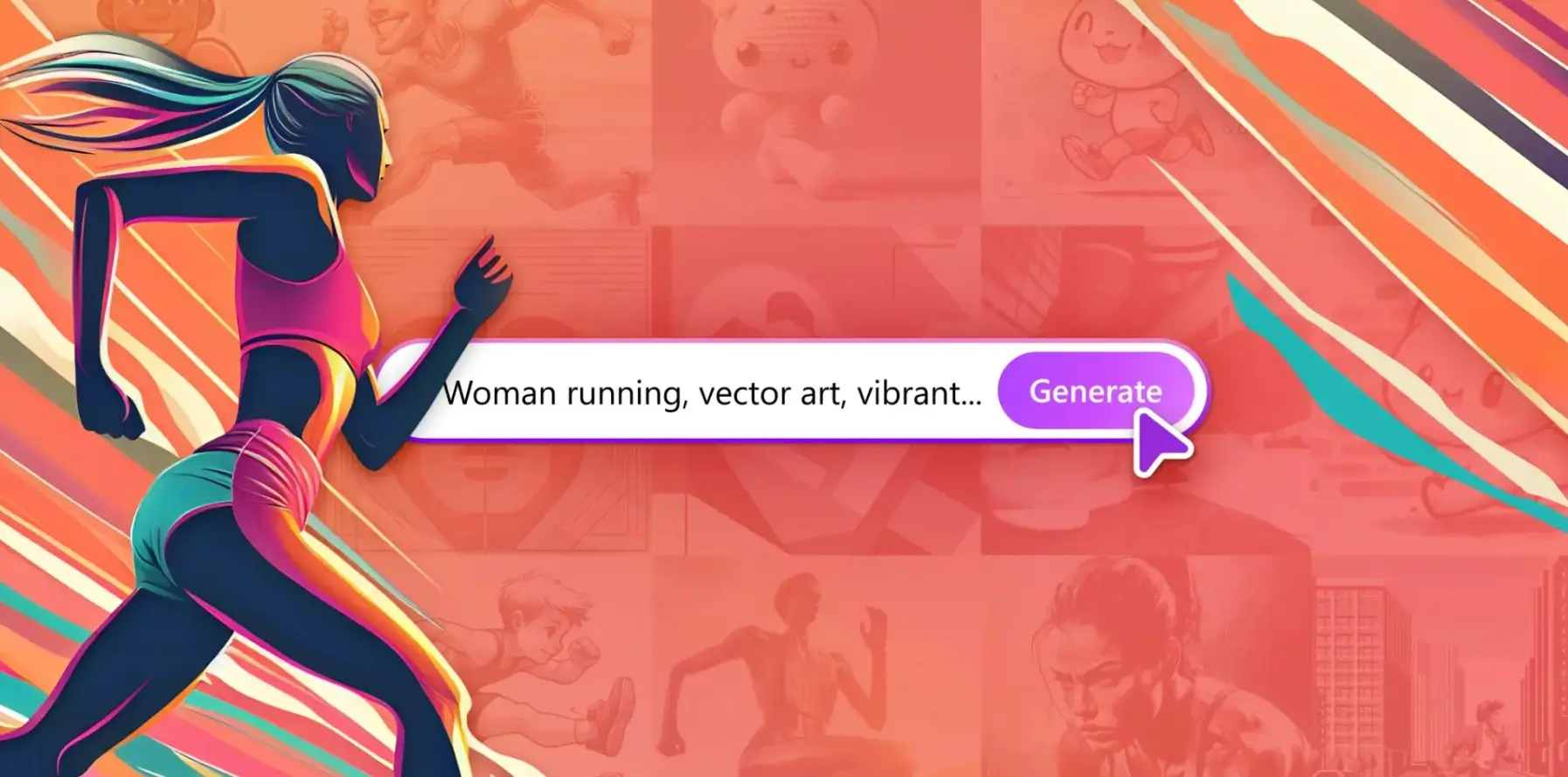
Traditional design required countless iterations. AI tools, however, cut down creative cycles drastically. You can generate multiple versions, tweak lighting, or adjust composition in seconds.
Modern design platforms like Midjourney, Leonardo AI, and DALL·E 3 understand artistic intent. They can mimic famous styles, merge references, and even generate editable layers compatible with tools like Figma or Photoshop.
Designers today use AI to:
- Create unique brand assets
- Generate mockups and UI components
- Visualize marketing campaigns
- Build storyboards and mood boards
In short, AI has become the creative co-pilot every designer needed.
Understanding Prompt Structure
A powerful AI prompt isn’t just about random words. It follows a clear structure that communicates your artistic direction.
A simple formula looks like this:
[Subject] + [Style] + [Lighting] + [Color Scheme] + [Mood] + [Medium] + [Detail Level]
Example:
“A cinematic portrait of a samurai in neon armor, ultra-detailed, dramatic lighting, 8K render, cyberpunk theme.”
Every part adds context — the subject defines the focus, the style gives personality, and the details make it lifelike.
Elements of a High-Quality Prompt
When writing a great prompt:
- Be Specific: Replace “a tree” with “an oak tree with golden leaves under sunlight.”
- Include Style References: Add “in Studio Ghibli style” or “in the style of Pixar.”
- Define Medium: digital art, watercolor, oil painting, or 3D render.
- Add Mood/Emotion: joyful, mysterious, elegant, futuristic.
- Include Aspect Ratio: e.g., “--ar 16:9” for widescreen visuals.
The better you describe your vision, the more aligned the AI output becomes.
Categories of Graphic Design Prompts
AI prompts can be classified into creative categories such as:
- Branding & Logo Prompts
- Social Media Visuals
- Posters & Flyers
- Digital Illustrations
- Fashion & Apparel
- Product Mockups
- Infographics & Web UI
Each category demands a slightly different prompting approach. Let’s explore how.
AI Tools that Bring Prompts to Life
Step into the future of creativity! 📷📷
— YROM (@YromOfficial) November 2, 2025
Discover how powerful AI prompts can turn your imagination into breathtaking visuals.
📷 Explore more at https://t.co/ZrI0RgoVb0#AIPrompts #AIDesign #AIGeneratedArt #ArtificialIntelligence #YROM #AItools #DigitalArt #CreativeDesign pic.twitter.com/RUCXLGEpcq
Here are the top AI design platforms currently dominating the creative world:
- Midjourney – unmatched for artistic detail and realism.
- Leonardo AI – best for logo and branding work.
- DALL·E 3 – integrated with ChatGPT for natural-language control.
- Ideogram – fantastic for poster typography and text-based art.
- Playground AI – perfect for beginners experimenting with styles.
Midjourney Prompt Examples for Stunning Visuals
- “Futuristic city skyline at sunset, ultra-realistic, cinematic lighting, 8K resolution, concept art.”
- “Elegant perfume bottle on marble background, soft lighting, product photography style.”
Each Midjourney prompt can be tuned using modifiers like --v 5, --ar 3:2, and --q 2 to enhance quality and framing.
Leonardo AI Prompts for Branding and Logos
Leonardo AI is ideal for brand identity visuals.
Example Prompts:
- “Minimalist logo for a tech startup named YROM, blue gradient, clean typography, vector style.”
- “Luxury brand logo with golden emblem, black background, embossed metallic texture.”
You can even generate variants and upscale results with background transparency.
DALL·E 3 Prompts for Illustrations
DALL·E 3 is great for storytelling visuals.
Examples:
- “An astronaut reading a book under a tree on Mars, digital painting, soft light.”
- “Children’s book illustration of an enchanted forest, watercolor style, warm tones.”
Its natural language comprehension allows flexible prompt writing — no need for rigid syntax.
Ideogram Prompts for Typography and Posters
For text-heavy graphics, Ideogram excels.
Try:
- “Motivational poster saying ‘Create Every Day’, retro style, grain texture, bold font.”
- “Festival announcement poster, neon typography, 80s style lighting.”
AI Prompts for Website Graphics
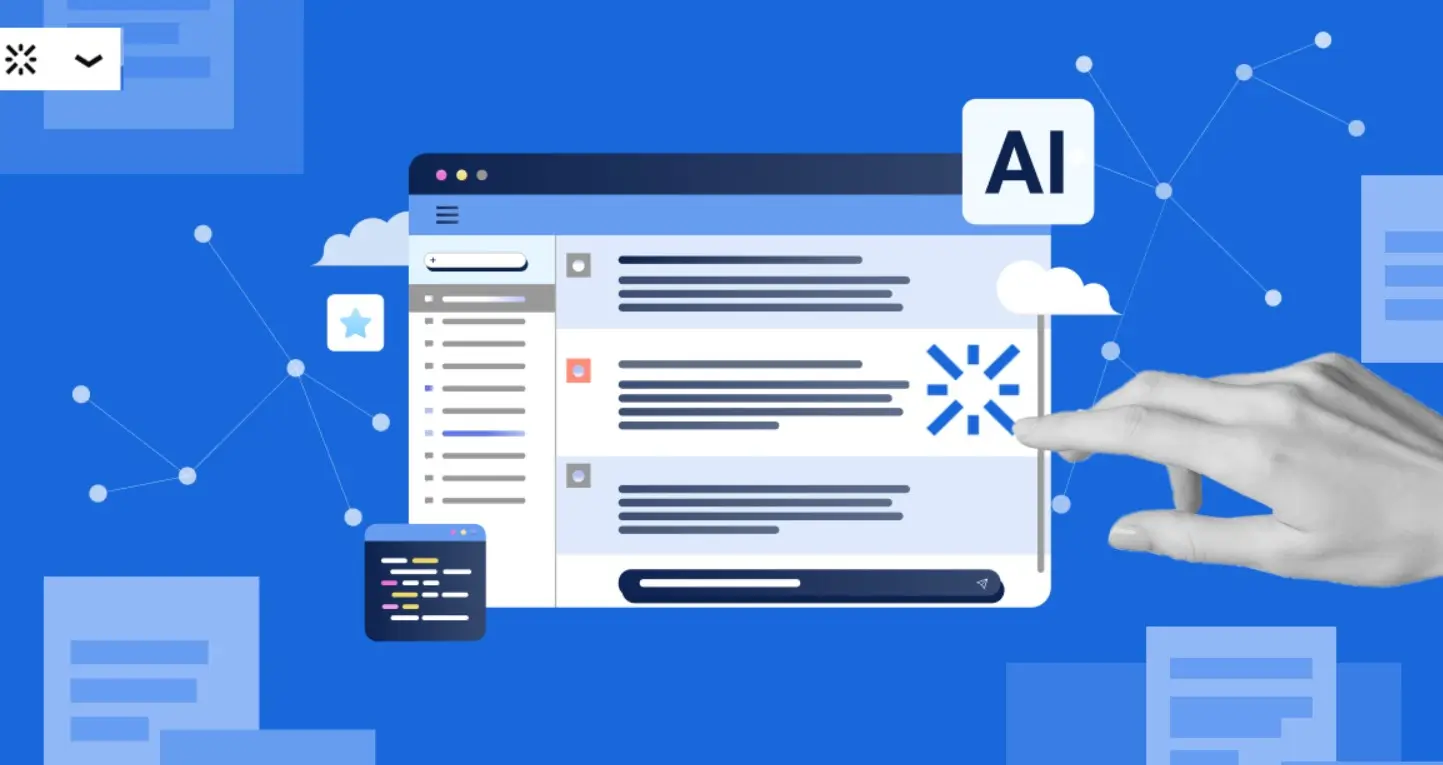
Web designers can create hero banners, icons, or landing page visuals using:
“Modern tech landing page header, abstract waves, blue gradients, minimalist style.”
Or try product UI visualization:
“Mobile app interface mockup, dark mode, futuristic icons, glassmorphism style.”
AI Prompts for Social Media Creatives
Social visuals thrive on vibrance and engagement:
“Instagram post showing a coffee cup on a rainy window, cozy aesthetic, warm tones.”
“Facebook ad for fashion sale, minimal layout, elegant serif fonts.”
You can also add consistency using brand color codes.
AI Prompts for YouTube Thumbnails
Good thumbnails = clickable visuals.
“Bold YouTube thumbnail of a man shocked by AI art results, colorful, comic-book style.”
“Minimalistic thumbnail with glowing text saying ‘AI Graphic Prompts Tested!’”
Use close-up faces, bright contrasts, and emotions.
AI Prompts for Logo Design
- “Circular logo for eco-brand, leaf shape, green tones, vector style.”
- “Modern monogram with letter Y, metallic texture, gradient background.”
Logos demand precision — always use vector-style and flat design modifiers.
AI Prompts for Product Packaging
Packaging visuals shine with realism:
“3D product packaging of skincare cream, gold lid, pastel background, studio lighting.”
“Energy drink can with lightning graphics, metallic texture, 3D render.”
AI Prompts for Infographics
“Modern infographic layout about climate change, blue tones, flat vector design, icons.”
“Startup funding chart infographic, minimal aesthetic.”
Combine AI design and data visualization for smarter presentations.
AI Prompts for Fashion and Apparel Design
“Trendy streetwear hoodie design with graffiti pattern, vector mockup.”
“Elegant sari design inspired by Assamese culture, rich colors, intricate embroidery.”
AI Prompts for Digital Illustrations
“Fantasy warrior girl in forest, cinematic lighting, detailed armor.”
“Abstract concept art of dreams, surreal shapes, vivid color palette.”
AI Prompts for Book Covers
“Epic fantasy book cover, dragon flying over castle, stormy sky, 4K realism.”
“Romantic novel cover, couple holding hands at sunset, watercolor effect.”
AI Prompts for 3D Rendering
“Photorealistic car model on wet asphalt, studio reflection, HDR lighting.”
“3D interior design of modern living room, sunlight, soft shadows.”
Tips to Write Effective Prompts
- Use descriptive adjectives.
- Add style references (“Baroque”, “Cyberpunk”).
- Include aspect ratios.
- Iterate — tweak small words for big differences.
- Review AI feedback for improvement.
Common Mistakes in AI Prompt Writing
Avoid:
- Overloaded descriptions.
- Contradictory words (“minimal yet detailed”).
- Missing clarity on mood or medium.
Using Negative Prompts for Precision
Negative prompts refine outputs by excluding elements.
Example: “portrait of woman --no watermark --no text --no extra hands.”
This ensures cleaner, focused results.
Storytelling Through Prompts
Every design can tell a story. Instead of saying “girl with umbrella,” say:
“Young woman walking under neon lights with transparent umbrella, reflecting city chaos.”
Story-driven prompts evoke emotion and narrative depth.
Combining Text and Image Prompts
Some tools like Ideogram or Leonardo allow multi-modal input — you can upload an image and add text directions like:
“Make this more cinematic with rain and depth lighting.”
AI Prompting for Branding & Marketing
Brands use AI for campaign ideas:
“Visual for eco-friendly campaign, green earth in hands, sunlight rays, positive tone.”
Such prompts make marketing material creation 10x faster.
How to Optimize Prompts for Different Tools
Each AI tool interprets prompts differently:
- Midjourney loves artistic adjectives.
- Leonardo prefers structural clarity.
- DALL·E understands conversational phrasing.
Always test across platforms.
Real-World Use Cases from Designers
At YROM.com, we’ve seen creators build:
- Entire brand identities using Leonardo AI.
- Animated social posts from Midjourney renders.
- Quick prototypes for clients using DALL·E.
AI prompting saves time, boosts creativity, and democratizes design.
The Future of Prompt Engineering
Prompting is evolving into a profession — Prompt Designers are the new digital artists.
Soon, we’ll have visual editors that learn from your prompt style, turning words into branded design systems.
FAQs
Q1. What’s the best tool for AI-generated graphics?
Midjourney and Leonardo AI are top choices for professional-quality visuals.
Q2. How detailed should a prompt be?
Use concise yet descriptive details — around 15–25 words work best.
Q3. Can I use AI-generated designs commercially?
Yes, most tools allow it under proper licensing (check terms).
Q4. Do I need design skills to use AI tools?
Not necessarily, but understanding color, layout, and aesthetics helps.
Conclusion: Unleash Your Inner Creator
AI is not replacing designers — it’s empowering them. The right AI prompts for designing stunning graphics can unlock unimaginable creativity. Whether you’re an artist, marketer, or entrepreneur, the future of design is in your words.
At YROM.com, we continue exploring the evolving world of AI creativity — from prompts to tools and beyond.
So, start experimenting today — type your imagination, and let AI paint your dreams.